Investigating a build after it finished
Work out where and when a finished print went wrong, and share what you found.
A print has finished and something isn't right: a part failed, a customer complaint came in, or the print had alerts. This guide walks you through the print viewer to find when the problem started, where on the plate it was, and how it compares with other builds.
Get an overview
Open the print from the print jobs table. Look at the layer status bar under the frequency plot: red runs are critical sections. Press Shift + → to jump from one critical section to the next.

Find when it started
In the frequency plot, look for where a defect type starts to rise. Hide the types you aren't interested in with the annotation toggle, and switch to Max area if a few large defects matter more than many small ones. Drag along the plot, and pause then pull up or down for layer-by-layer precision.
Find where it was
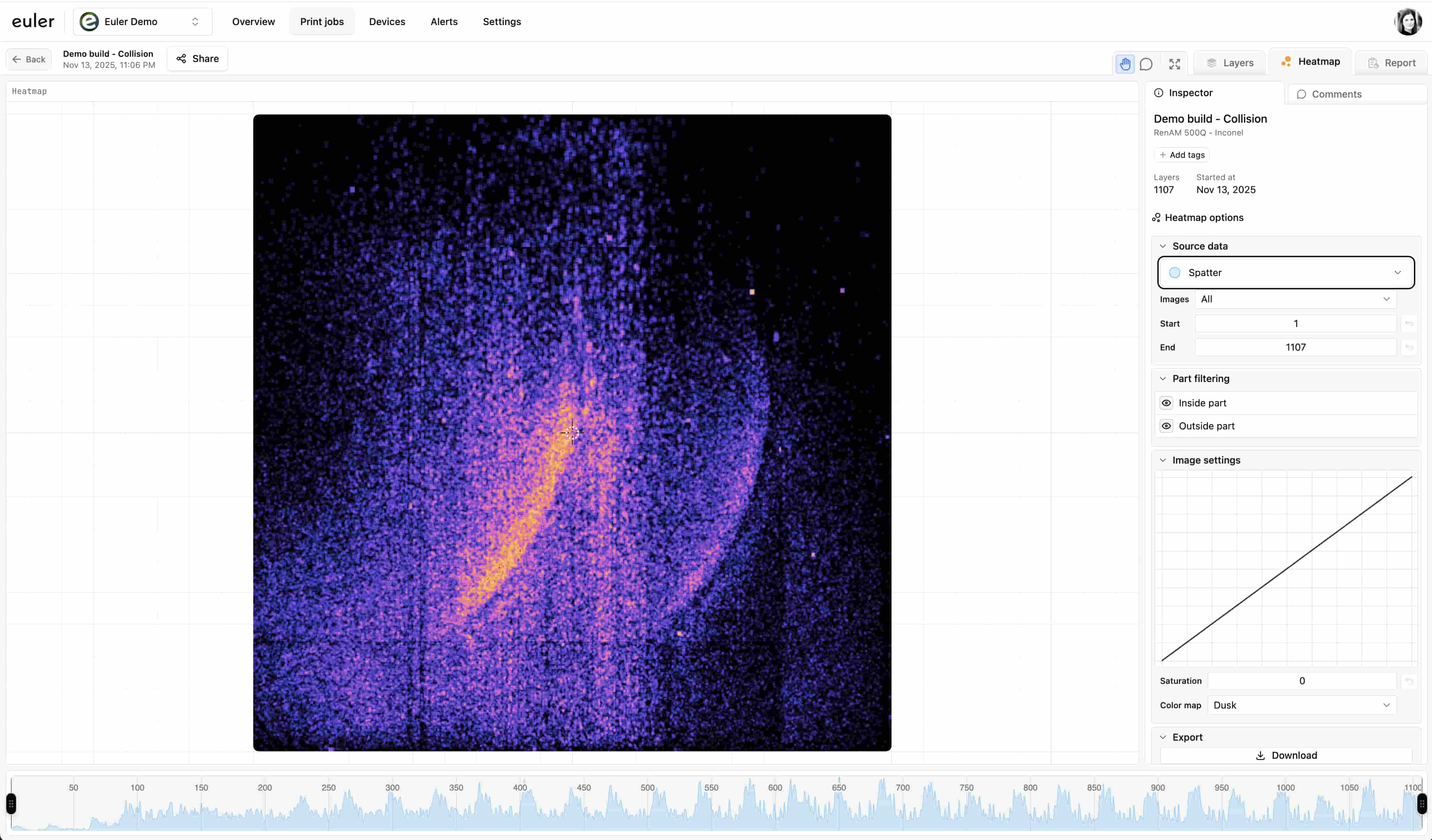
Open the Heatmap tab and limit the layer range to the problem section. In Volume, turn on 3D geometry to see which part the defects belong to, and use Region selection to crop to it. Use Inside part and Outside part to tell part defects from powder-bed problems.
Compare with other prints
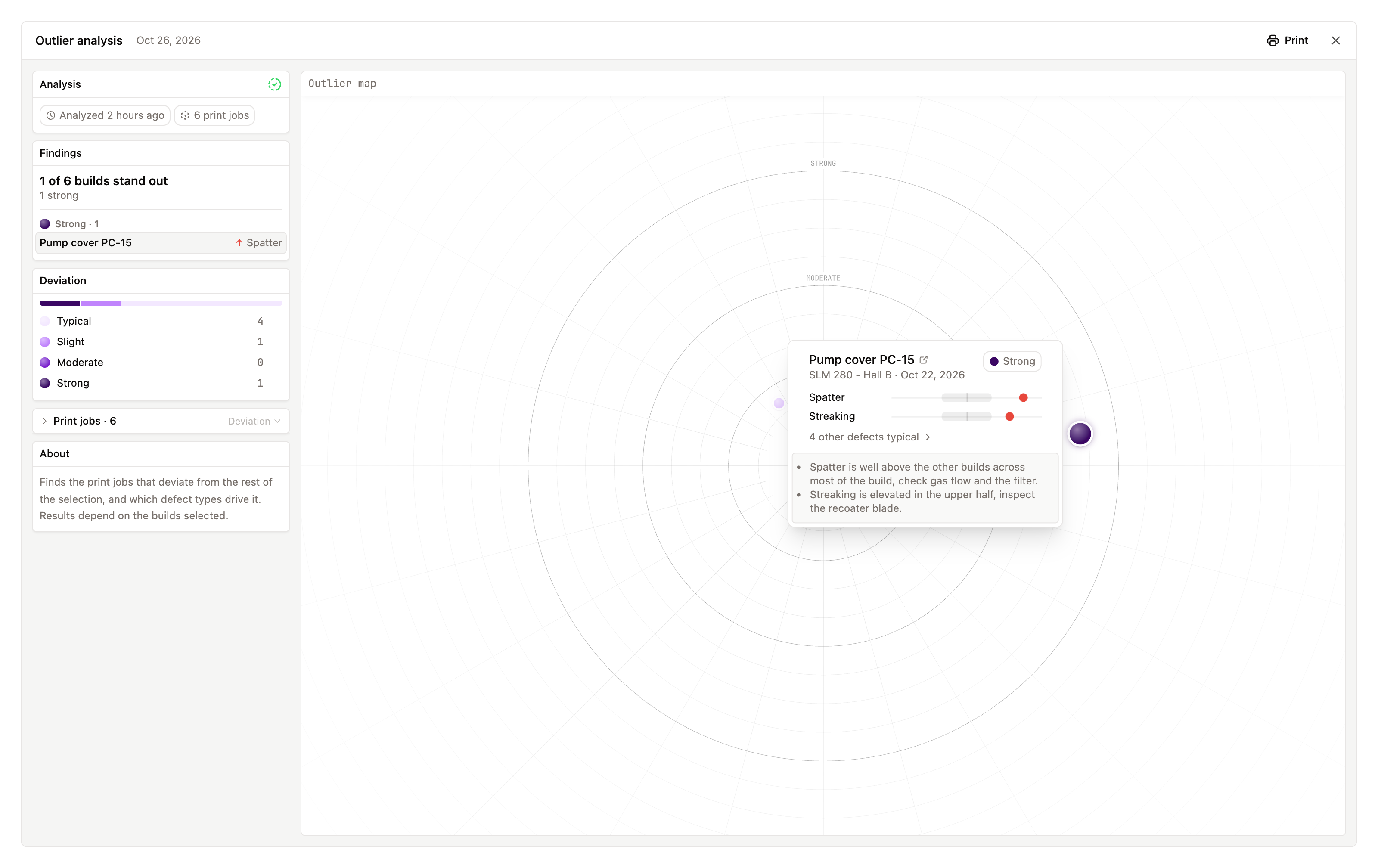
Check whether the same thing happened in earlier builds of the same job or on the same device. Select the prints in the print jobs table and click Analyse outliers. See Comparing prints.
Write down what you found
Leave comments pinned to the layers and spots you looked at, so the findings stay with the print. Add tags if you track failures by cause.
Share the result
Open the Report tab, narrow the layers if needed and print it or save it as PDF. To let someone outside your organization look for themselves, use a share link. See Preparing a build report.