Tags
Create tags and use them to organize and filter your prints.
Tags are colored labels you put on prints, such as a material, a customer or a part number. Use them to filter the Print jobs list and to gather prints for a comparison. Everyone in your organization can create and apply tags.
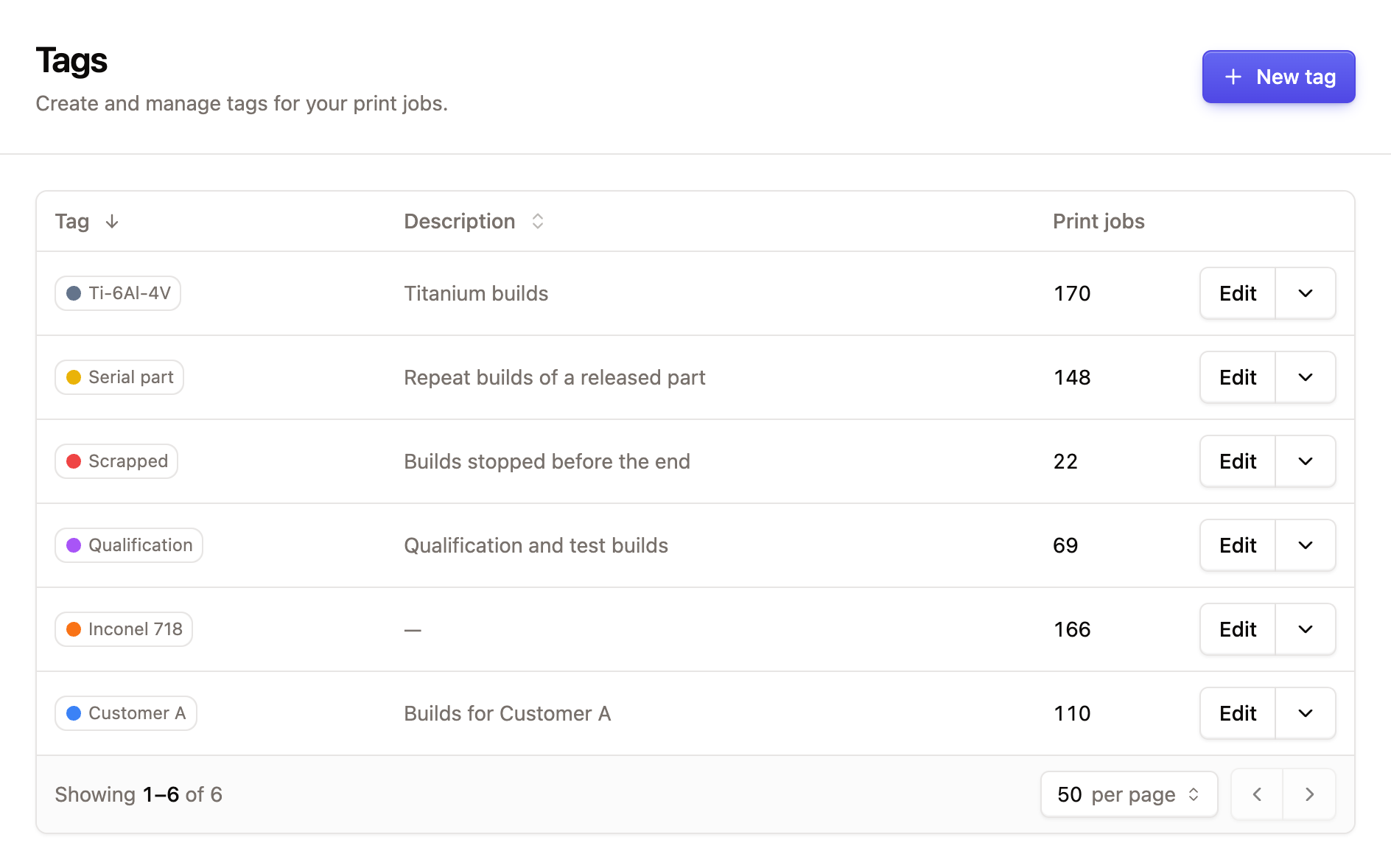
Create a tag
Open the tag settings
Go to SettingsTags and click New tag.
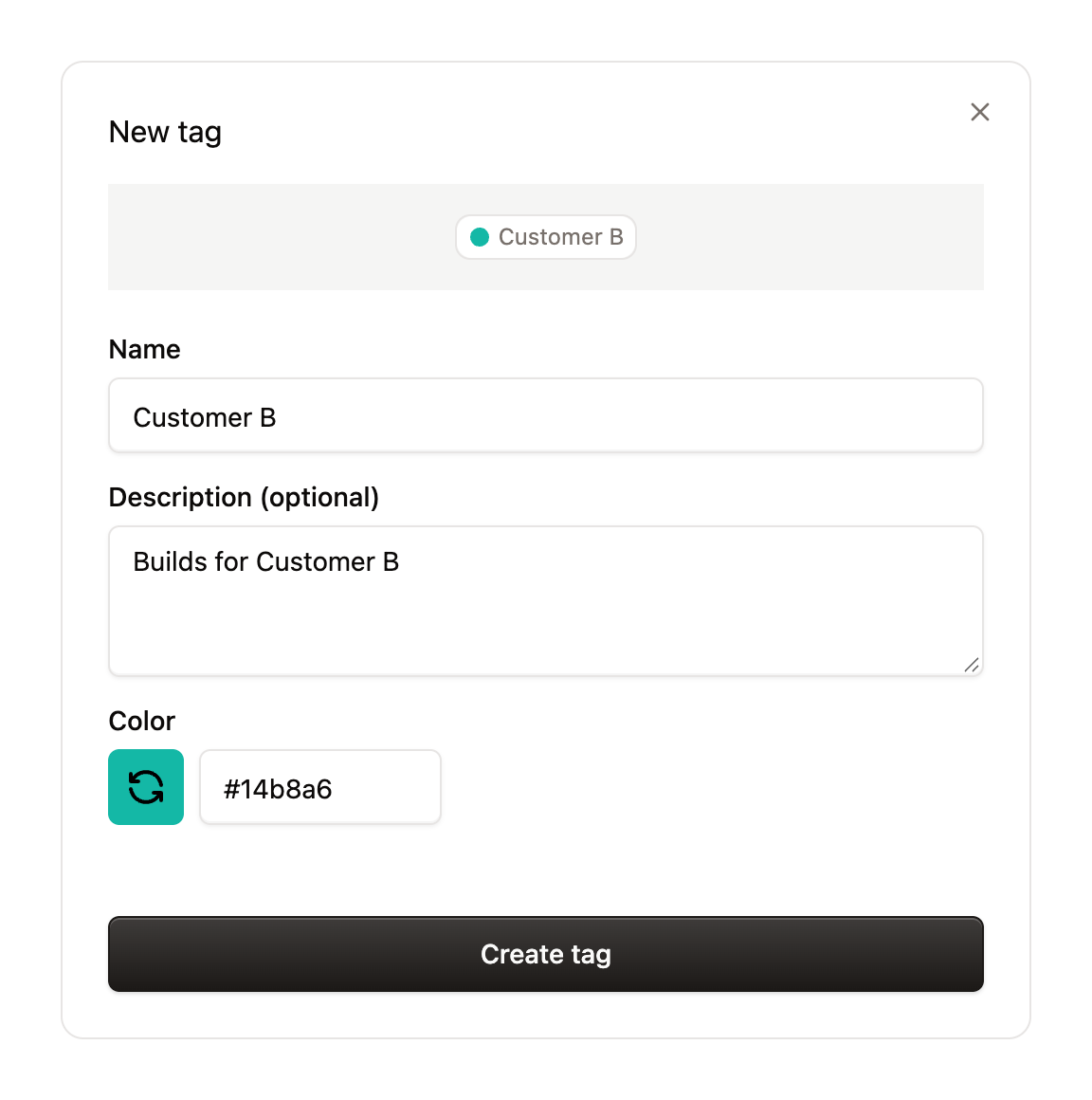
Fill in the form
- Name: what appears on the tag.
- Description (optional): what the tag means, so colleagues use it the same way.
- Color: Euler picks a random color. Click the color swatch for a new one, choose one of the Default colors, or type a hex color.
The preview at the top shows how the tag will look.
Save
Click Create tag.
To change a tag, click Edit on its row. To remove it, open the arrow next to Edit and click Delete. Deleting a tag removes it from all prints and cannot be undone.
Tag a print
In a print's header, click Add tags and choose tags from the list. Type to search. If the tag does not exist yet, click Create new tag to create it and add it in one go. Choose a tag again to remove it.
Tag several prints at once
On the Print jobs page, select the prints, then click Apply tags. Tick the tags to add and untick the ones to remove, then click Apply.