Share jobs
Share a print with a link, with your team or with people outside your organization.
Share a print when you want someone to look at it: a colleague, a customer or a supplier. Anyone in your organization can open a print; a share link also lets people outside it view the print.
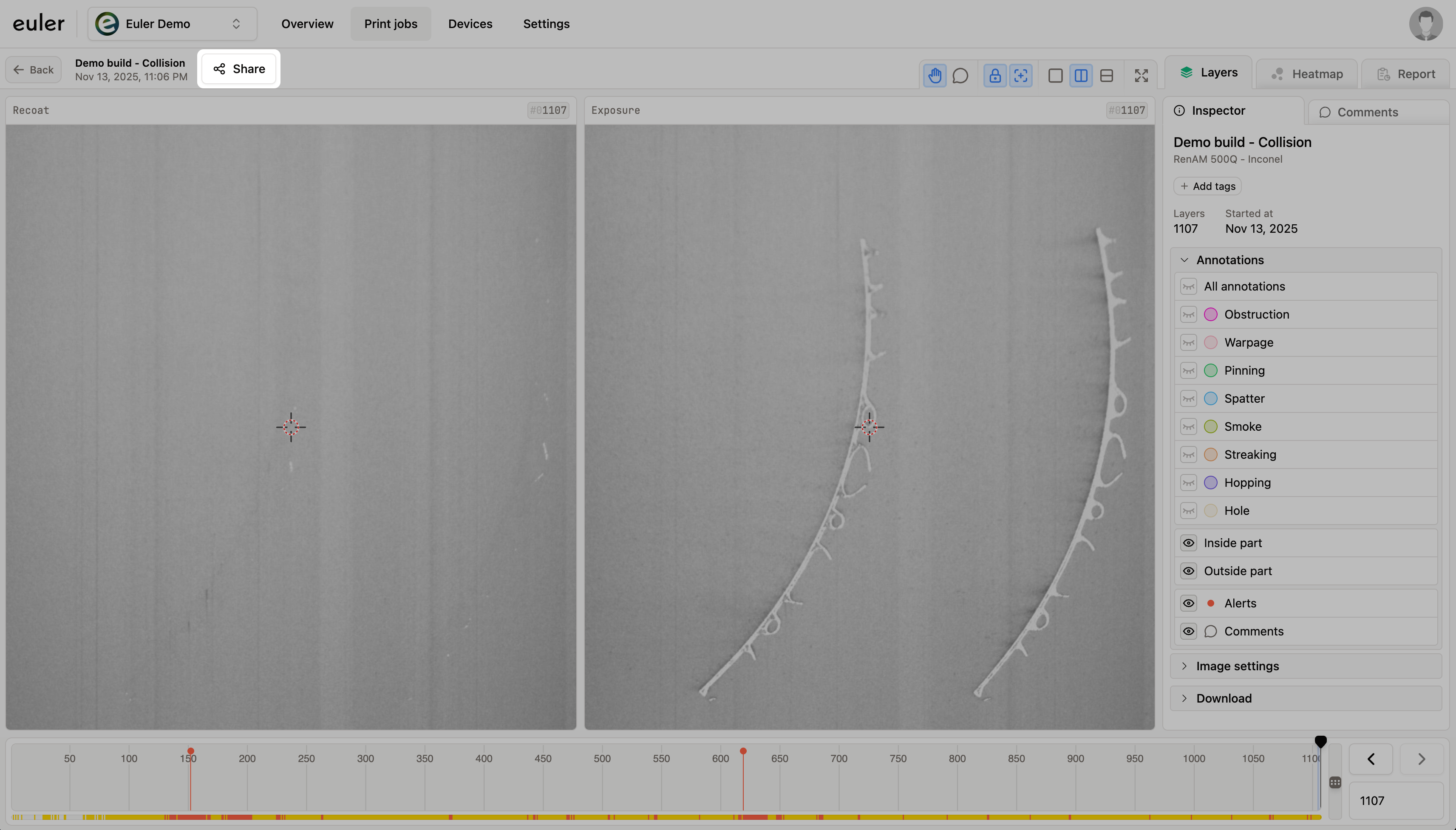
To share a print, click the share button next to the print name at the top of the sidebar. This opens the Share this print job dialog.
Sharing settings
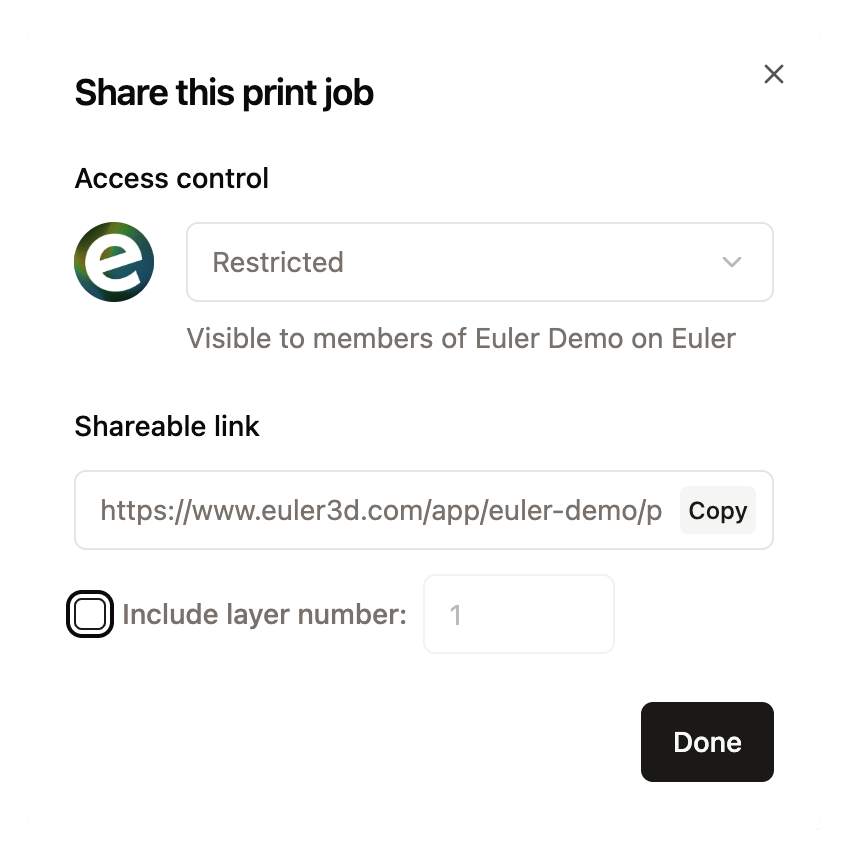
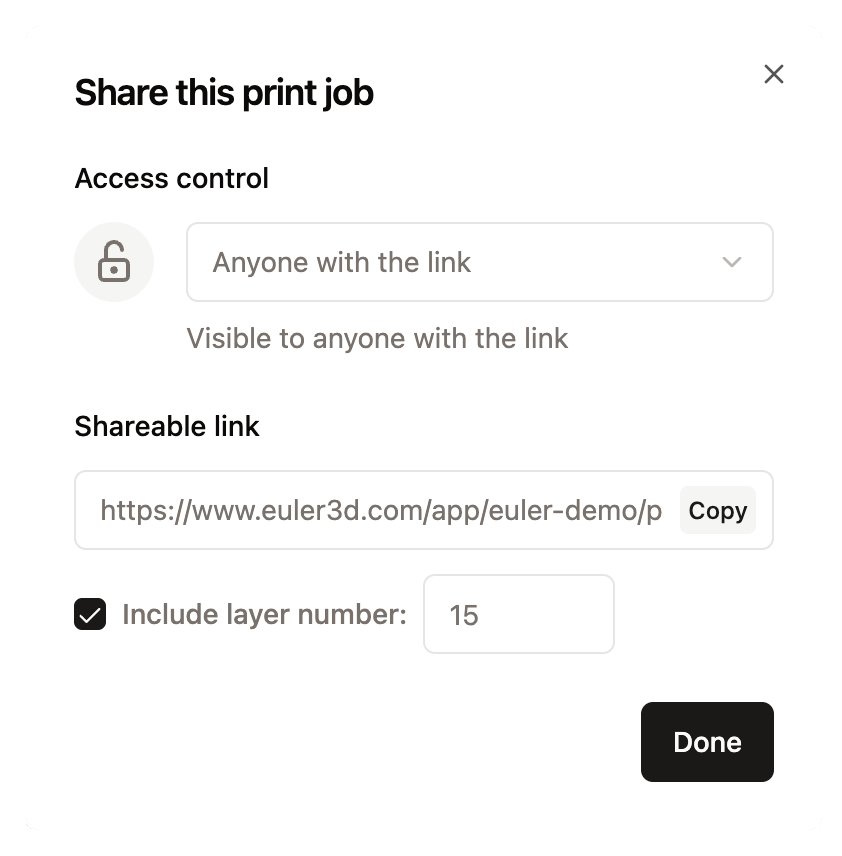
Under Access control, choose who can open the link:
- Restricted: only members of your organization, signed in to Euler.
- Anyone with the link: anyone who has the link, without signing in.
Under Shareable link, click Copy to copy the link. To send people to a particular layer, check Include layer number and enter the layer.
What people with the link see
Someone outside your organization gets a view-only version of the print viewer. They can step through the layers, look at the defects, and use the heatmap and report. They can't:
- see or write comments
- respond to alerts
- change tags or sharing settings
Stop sharing
Open Share again and set Access control back to Restricted. From then on, people outside your organization can no longer open the print with the link.