Print viewer
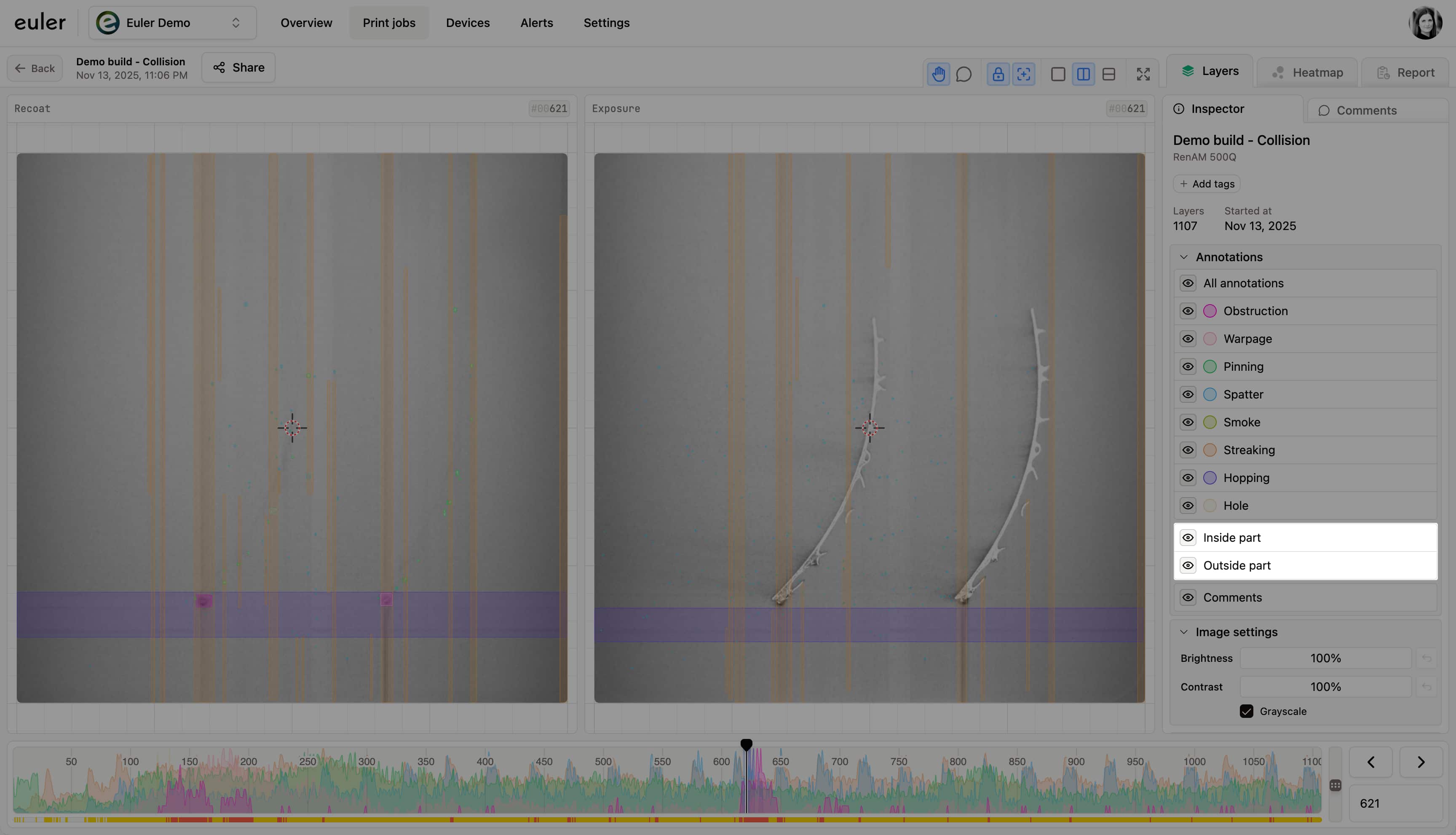
Inside/outside part toggle
Show defects on the parts, on the powder bed, or both.
Focusing on part defects
The inside/outside toggles filter defects by where they are relative to the printed parts, so you can focus on the areas that matter most. They appear under the defect types in the Annotations list on the Layers tab, and under Source data on the Heatmap tab.
Turn each one on or off with its eye icon:
- Inside part: defects that overlap the printed parts
- Outside part: defects on the powder bed, away from the parts
Keep both on to see every defect. Turn off Outside part to see only defects on the parts, or turn off Inside part to look only at the powder bed.
The toggles appear once Euler has found the parts in the print's images. Until then, the toggles are missing and every defect is shown.