Image settings
Adjust brightness, contrast, and grayscale to surface subtle details in layer images.
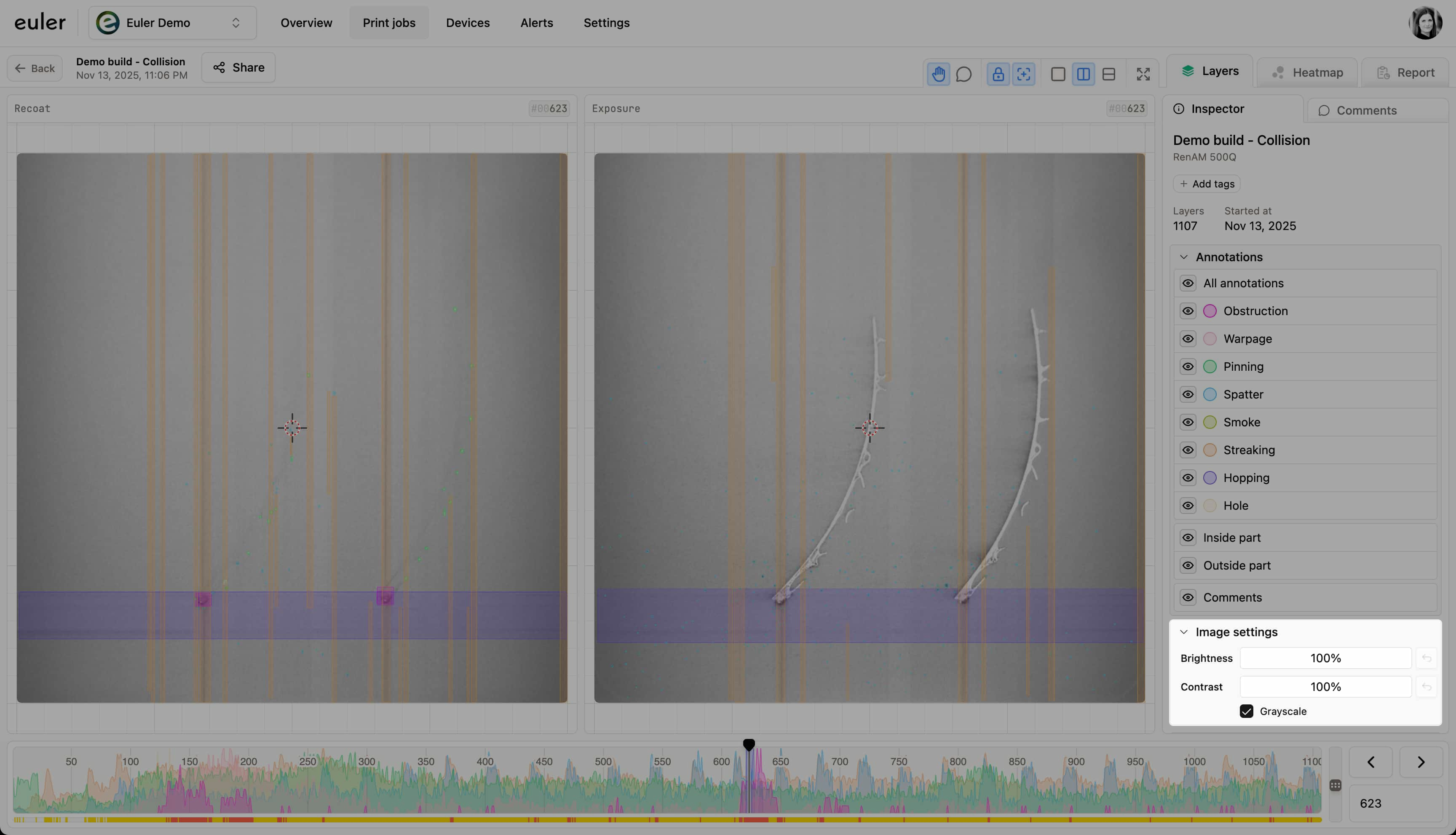
Image settings in the print viewer sidebar help you reveal faint defects, balance highlights and shadows, and give the recoat and exposure images a consistent look. To go back to the original value, click the reset button that appears next to a setting you have changed.
Brightness
Shift the overall lightness of the image. Increase brightness to bring out dark regions; decrease it to keep highlights from washing out fine detail.
Contrast
Increase contrast to deepen separation between light and dark areas, making edges and textures stand out. Lower contrast for a flatter image when glare dominates.
Grayscale
Turn on Grayscale to remove color and focus on structure. This is useful when color distracts from powder-bed texture, streaks, or surface marks.