Getting started
Creating a device
Add a printer to Euler so uploaded and live build data is linked to it.
A device is a printer as Euler knows it. Every print in Euler belongs to a device, whether it was uploaded by hand or sent live by Euler Connect.
Only organization admins can create devices.
Create a device
Go to SettingsDevices & Datasources and click New device. The New device panel opens.
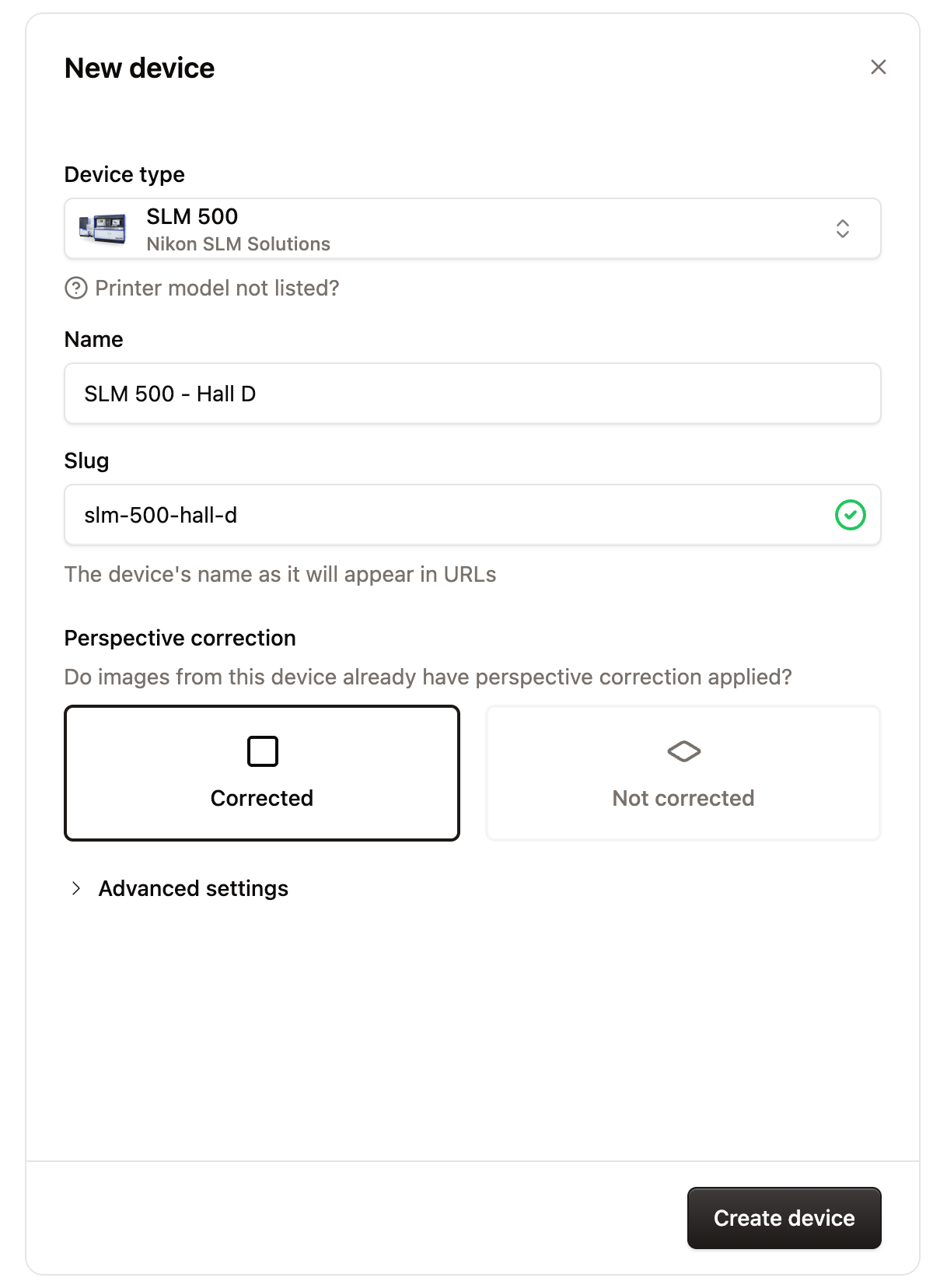
- Device type: the printer's manufacturer and model. Euler uses it to read the printer's build folders. If your model is not listed, click Printer model not listed? (see Requesting support for a new device).
- Name: a clear name for the printer, for example
RenAM 500Q #1. - Slug: the device's name as it appears in links, filled in from the name. For example
renam-500q-1. It must be unique in your organization. - Perspective correction: shows once you pick a device type. Choose Corrected if the printer's images already show the build plate straight from above. Otherwise choose Not corrected and click Configure correction. See Perspective correction.
Advanced settings has the viewer orientation, the recoat direction and critical alert notifications. You can leave them as they are. See Device settings.
Click Create device.
Each enabled device uses one of your organization's licenses. If none are left, the new device is created as disabled, and Euler tells you so.
Next steps
- Upload a print job from a finished build.
- Monitor builds live: set up Euler Connect and connect the device to it. The step-by-step guide is Setting up a new printer.