Getting started
Creating an account
Sign up for Euler with your work email.
To use Euler you need a user account. One account can belong to several organizations.
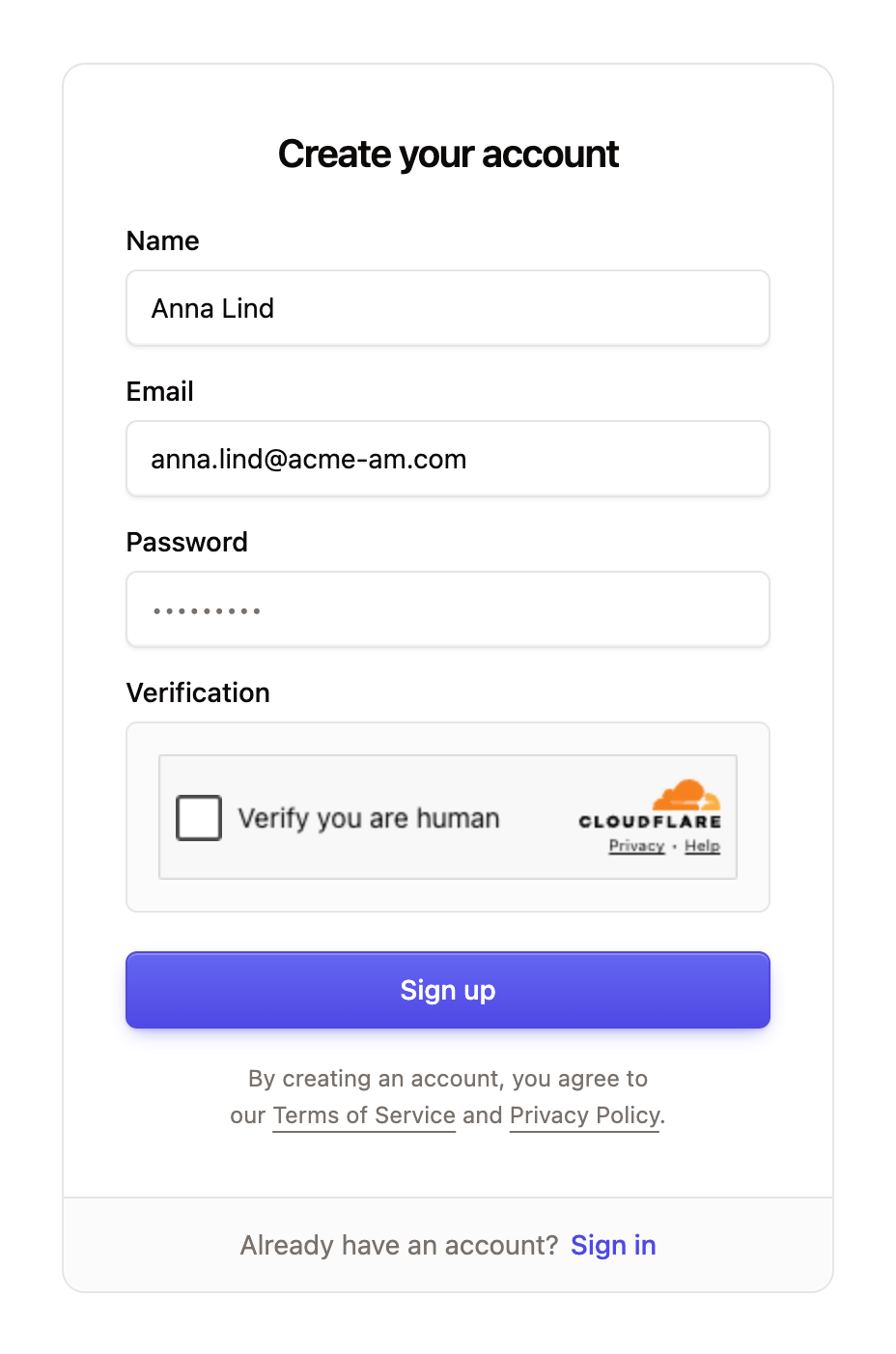
Go to the Euler sign-up page and fill in your details:
- Name: your full name, as other members will see it.
- Email: use your work email address. You sign in with it.
- Password: at least 8 characters.
- Verification: complete the check that you are not a robot.
Click Sign up. Euler sends you an email with a link to confirm your address. Open the link to continue.
After you sign up
- If a teammate has already invited you, you join their organization when you sign up with the invited email address.
- If not, Euler asks you to create an organization.
If your company runs Euler on its own installation, use your installation's web address instead. Your site administrator may also create your account for you. See Using Euler on your own installation.