API tokens
Create, store and revoke the tokens your software uses to call the Euler API.
An API token lets your software call the Euler API on behalf of your organization. Each token is a pair: a Token ID and a Token secret. Send both with every request.
API tokens are available on paid plans. Only organization admins can create or revoke them.
Create a token
Open Integrations & API
In Euler, open SettingsIntegrations & API.
Create the token
Click Create token. Give it a Token name that says what it is for, for example "Report generation", and optionally a date in Expires on. Click Create.
Copy the secret
The dialog shows the Token ID and Token secret. The secret is shown only this once, so copy
it now. Copy as environment variables copies both in a form you can paste into a .env file:
EULER_TOKEN_ID="01JEXAMPLECREDID"
EULER_TOKEN_SECRET="your_token_secret_here"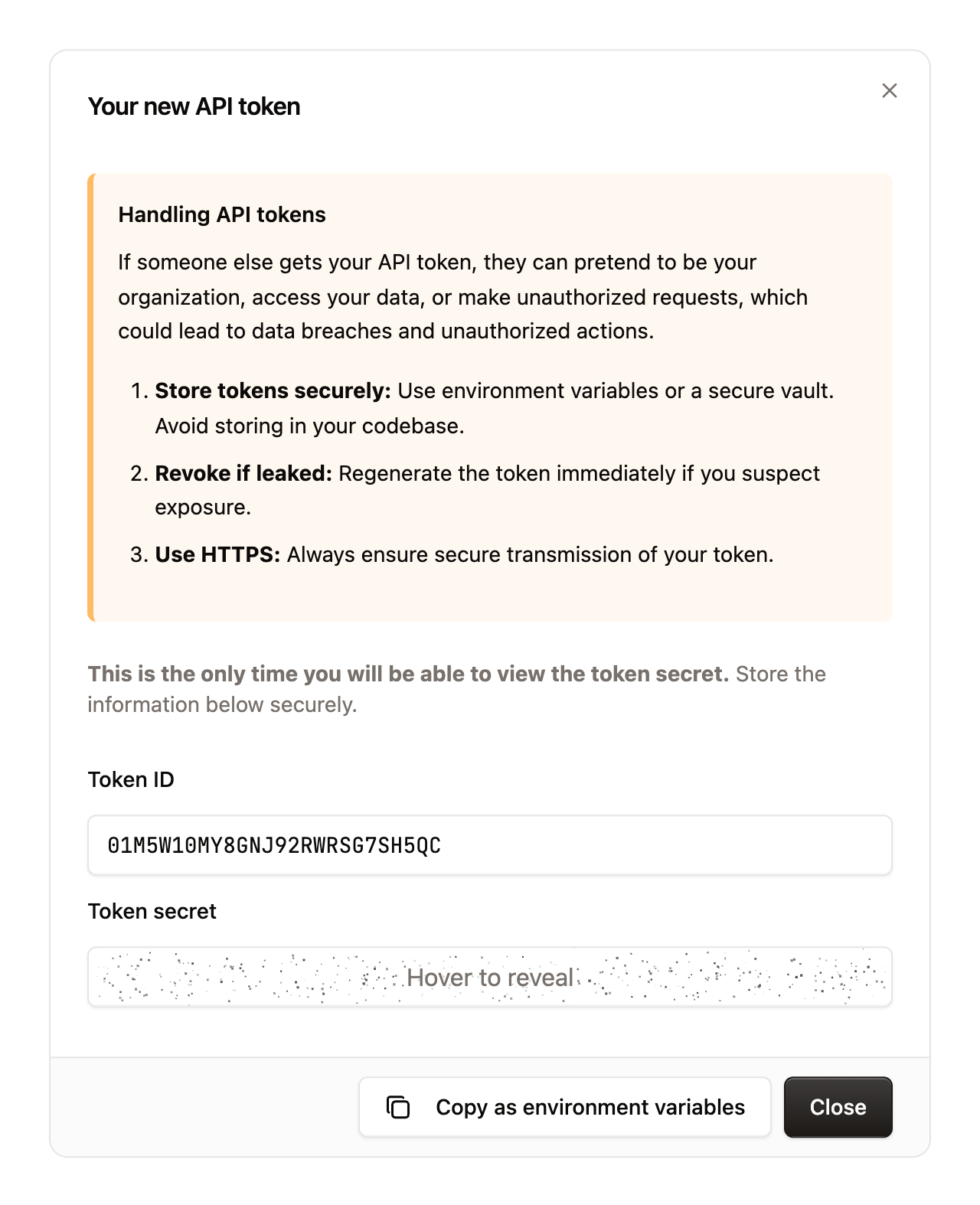
Keep tokens safe
A token can read everything in your organization, so treat the secret like a password.
- Keep secrets out of your code and out of version control. Use environment variables or a secrets manager.
- Give each application its own token, so you can revoke one without affecting the others.
- Set an expiry date on tokens you only need for a while.
Revoke a token
In SettingsIntegrations & API, open the menu on the token's row and revoke it. Requests using that token stop working straight away. Revoke a token as soon as you think its secret has leaked, and create a new one. Turn on Show revoked to see tokens you have revoked.